



Software for watchmakers and jewelers
Watch repair software for watches and jewelry. From check-in to pickup.
Check in watches with brand, model, serial number and condition. Your customer approves the quote online and sees for themselves when their watch is ready.
No payment details needed.
5.0 out of 5 stars from 6 reviews on Software Advice
When a customer asks about their watch, the answer is in the work order.
Is my Omega ready yet?
Has the gasket arrived?
What exactly does the service cost?
Questions like these take time when the details sit on notes, on repair envelopes and with different people on your team.
Every detail on the watch
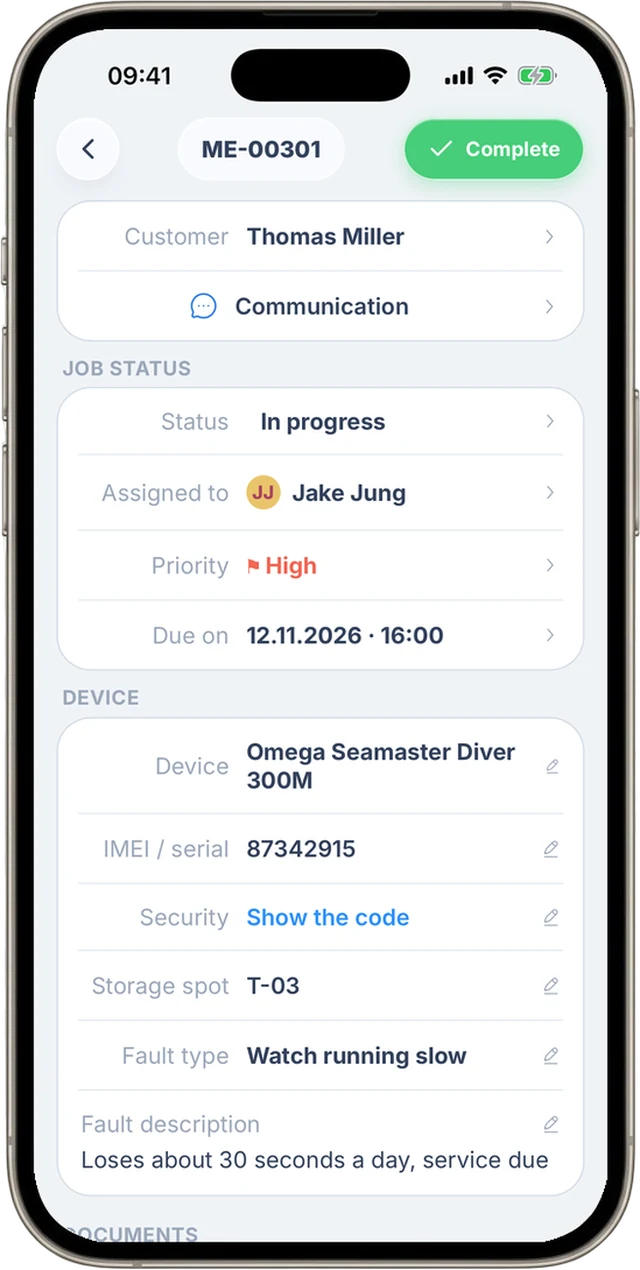
Brand, model, serial number, accessories and condition sit on the same repair work order.
Your team sees where things stand
You and your team see which watch is being worked on and what you are still waiting for.
Customers check for themselves
Your customers follow their repair in the customer portal or the customer app instead of calling about every question.
How it works
How a watch repair runs in RepairCMS.
What you record at check-in stays on the same work order in every step that follows.
Step 1
Check in the watch
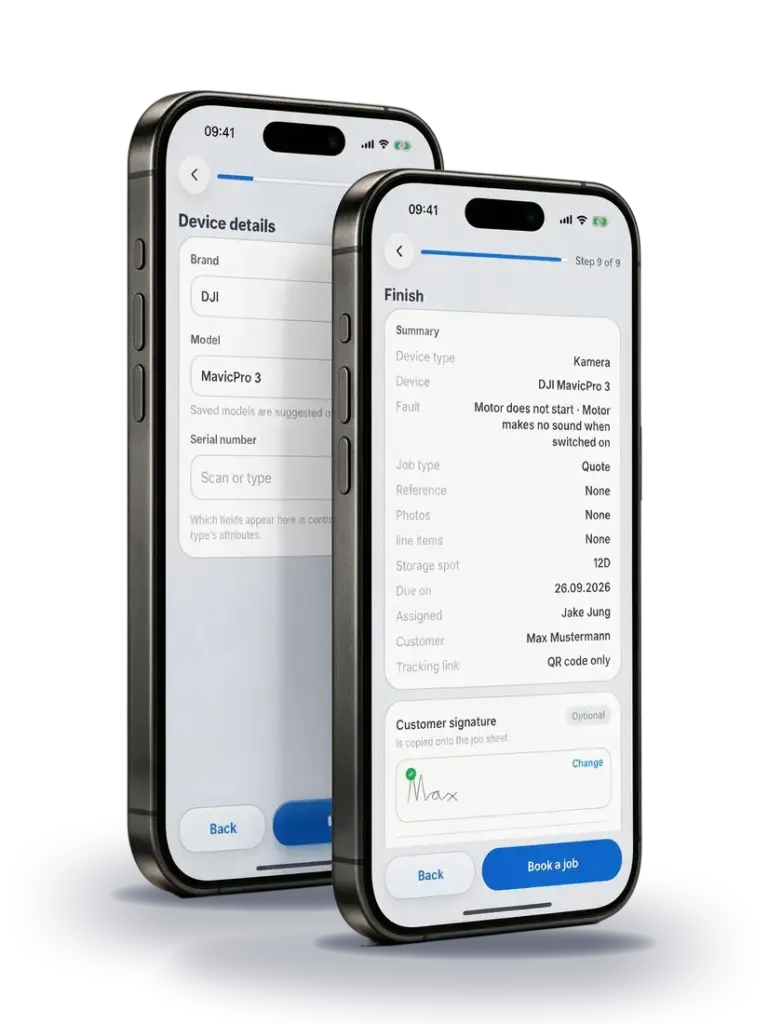
Record brand, model and serial number, along with the condition and accessories such as the original box or a spare link. Take photos of scratches on the case and clasp, and have your customer sign the check-in on the screen.
Optional: device label
Print a label with the work order number and storage spot for the repair envelope or the tray. Your team finds the right watch, and a scan with the app opens the work order.


Step 2
Record the diagnosis and get approval
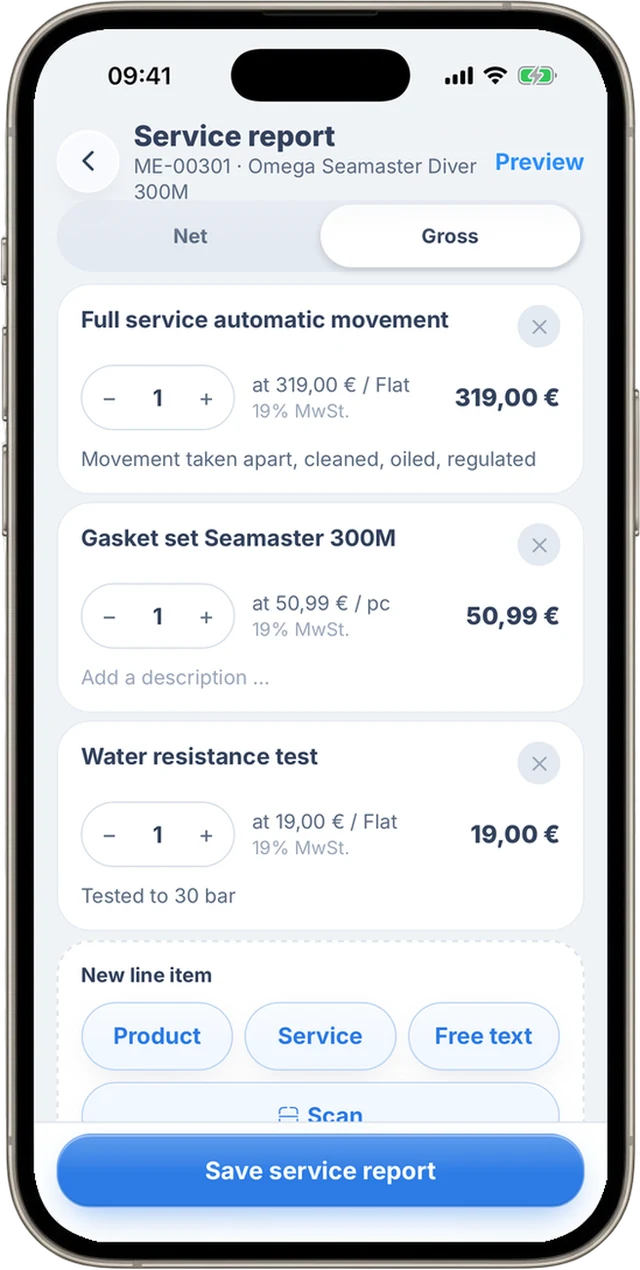
Your team notes in the service report what the watch needs, for example a full service with new gaskets. That becomes the quote, which your customer reviews and approves online. You can offer a new strap as an optional item that they add or leave out.

Step 3
Repair and show the status
When you change the status, you can notify your customer by email right away. Before handover, your team ticks off the checks you set yourself, such as timing and water resistance.
Step 4
Create the invoice and hand over the watch
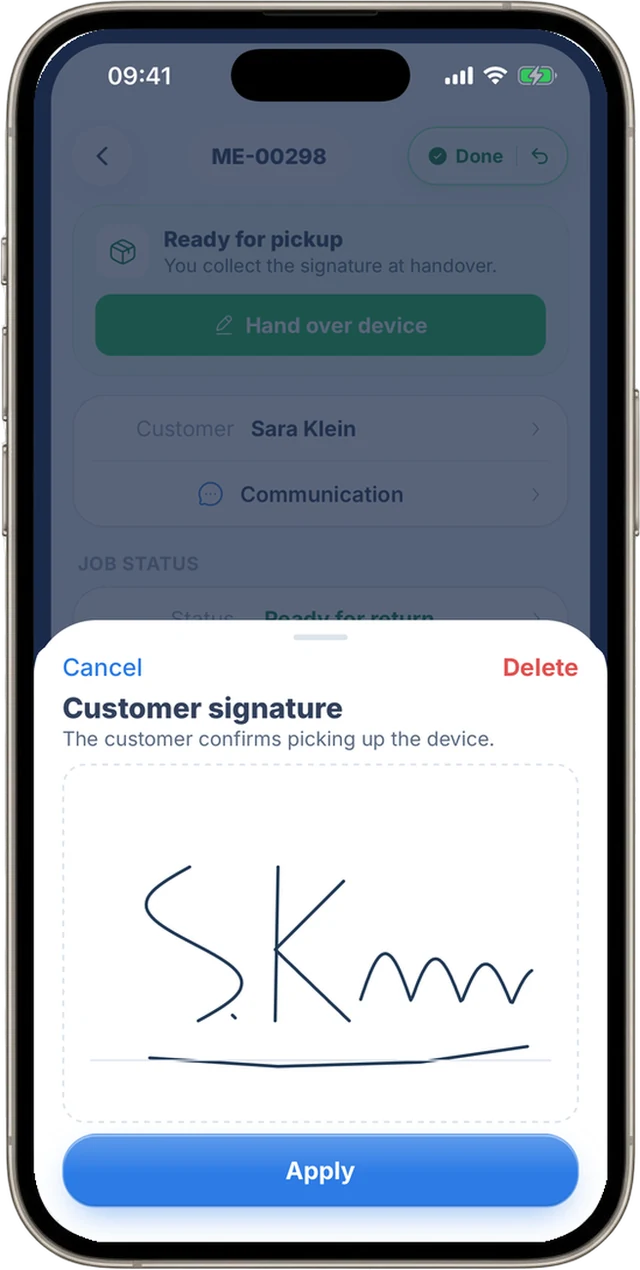
The items from the service report and the quote are ready for the invoice. You check them, create the invoice and have your customer sign for pickup on the screen.
Try the workflow with the next watch that comes in.
See RepairCMS in two videos.
The explainer video follows one repair work order from check-in to invoice.

Find the right watch, even when it comes back.
Set up wristwatches, pocket watches and jewelry as their own categories, each with the fields you need. The serial number shows every earlier repair on the same watch, and the search in the app finds customer, work order and watch.
How to set up your own categories →Example
A customer brings in his Omega, it loses 30 seconds a day.
You enter the serial number and note the scratches on the clasp, the original box and the spare link. When the same watch comes back to you later, the serial number also finds the repair from back then.

Your customer sees for themselves when their watch is ready.
After check-in, your customer gets an email with a link to their repair status. In the customer portal they see the current status. On their phone they can also use the customer app, where they approve the quote and message you right on the work order.
More about the customer portal and repair status →
Repair Status by RepairCMS
For your customers, on iPhone and Android



Let customers request their watch repair online.
With the RepairCMS repair request form, customers describe what is wrong with their watch on your website, through a link or with a QR code. They search for the service, such as a battery replacement, and see your price for it. The request lands in RepairCMS, your team reviews it and turns it into a work order. If you find more on the watch, your customer gets a quote before the repair and decides for themselves.
Try the repair request form demo → More about the repair request form
Your whole workshop in your pocket
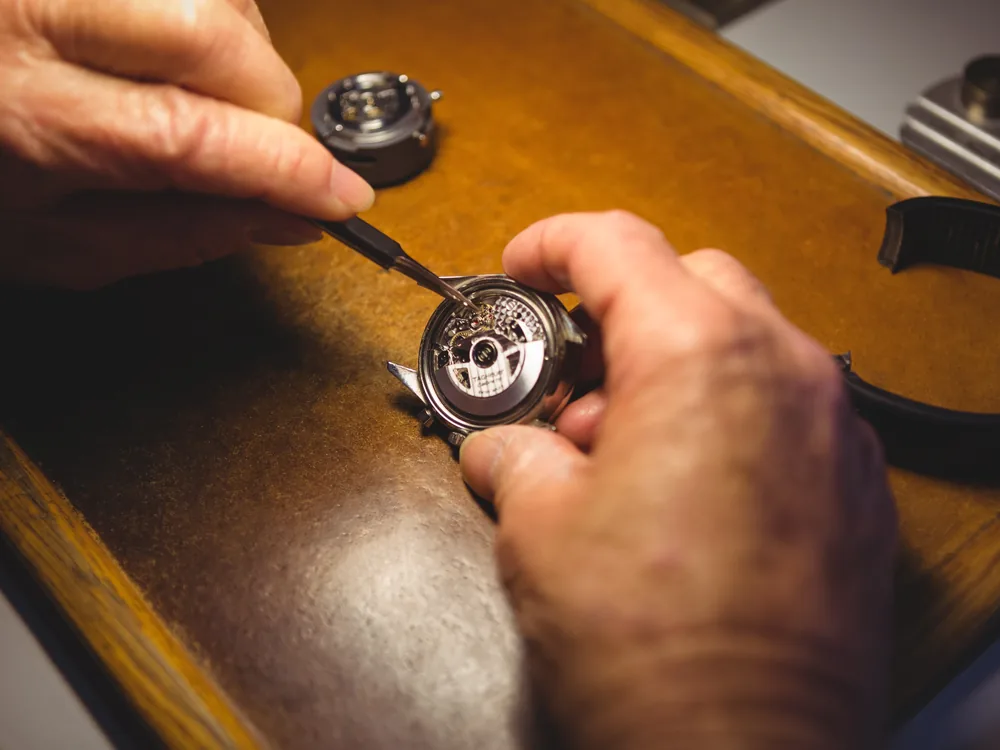
The RepairCMS app is RepairCMS on your phone, with the same login as on your computer and the same work orders, customers and invoices. You and your team work right at the watch on your bench.
- Record the watch and customer details at check-in
- Document the condition with photos on the work order
- Change the status and notify the customer
- Get signatures for check-in and pickup

RepairCMS App
For your team, on iPhone and Android
On iPhone you sign in with the account you created on the web, on Android you can also sign up right in the app.
What repair businesses say about RepairCMS.
These reviews come from different repair businesses and are about RepairCMS in general.
“Helpful repair software for workshops”
Better organization in the workshop, an intuitive interface, easy job creation and quote management. Feedback gets implemented quickly.
Verified review on Software Advice“My experience with RepairCMS”
Easy to use and helpful. Nothing to complain about, it is super simple and has only very minor bugs.
Verified review on Software Advice“For managing watch repairs”
Specialized in watchmakers, with clear time savings on quotes and communication, and an uncomplicated setup.
Verified review on Software AdviceWatch repair software FAQ
Does RepairCMS work as watchmaker software for watch repair shops and jewelers?
Yes. RepairCMS is watch repair management software and jewelry repair software in one, from a watchmaker with their own workshop to a jeweler with several locations. You set up wristwatches, pocket watches and jewelry as their own categories and work alone or with your team on the same work orders.
Can I check in watches with a serial number and photos?
Yes. At check-in you record brand, model, serial number, condition and accessories, and take photos of scratches or damage right on the work order. Later, the serial number shows every earlier repair on the same watch.
Can my customer track their watch or jewelry repair?
Yes. After check-in, your customer gets an email with a link to the customer portal. There they see the current status, and in the customer app Repair Status by RepairCMS also the history.
How does my customer approve the quote for a watch service?
You send the quote from the work order. Your customer opens it from the link in the email, sees the items and approves it with one click. Optional items such as a new strap they add or leave out themselves. As soon as they approve, the status in RepairCMS updates.
How much does RepairCMS cost, and what is in each plan?
The Starter plan costs €29 a month excl. VAT, billed annually, or €32 a month excl. VAT billed monthly. Every RepairCMS plan includes unlimited work orders, the RepairCMS app, signatures on the screen, the device label, the customer portal and invoices. Quotes, messages to your customers, photos on the work order and internal checks are included in the RepairCMS Business, Team and Enterprise plans. The repair request form and the spare parts inventory are included in the RepairCMS Team and Enterprise plans. You find all prices on the pricing page.
Can I use RepairCMS on a computer and on my phone?
Yes. On a computer or tablet you work in the browser at my.repaircms.com, on your phone with the RepairCMS app for iPhone and Android. Both use the same account and the same work orders. In the App Store you find the app as “RepairCMS Repair Shop Manager”.
How do I try RepairCMS in my watch repair shop?
You create your account at my.repaircms.com and try RepairCMS free for 14 days with the features of the RepairCMS Team plan, no payment details needed. Check in a real watch during the trial and take the work order all the way to pickup. If you choose a plan afterwards, you keep working with all work orders and customers from the trial.
RepairCMS also runs other repair shops, for example as bike repair shop software, as computer repair shop software and as coffee machine repair software.
Try RepairCMS with the next watch that comes in.
Create a real repair work order and see whether check-in, quote and pickup fit your day. You try RepairCMS free for 14 days, no payment details needed.
