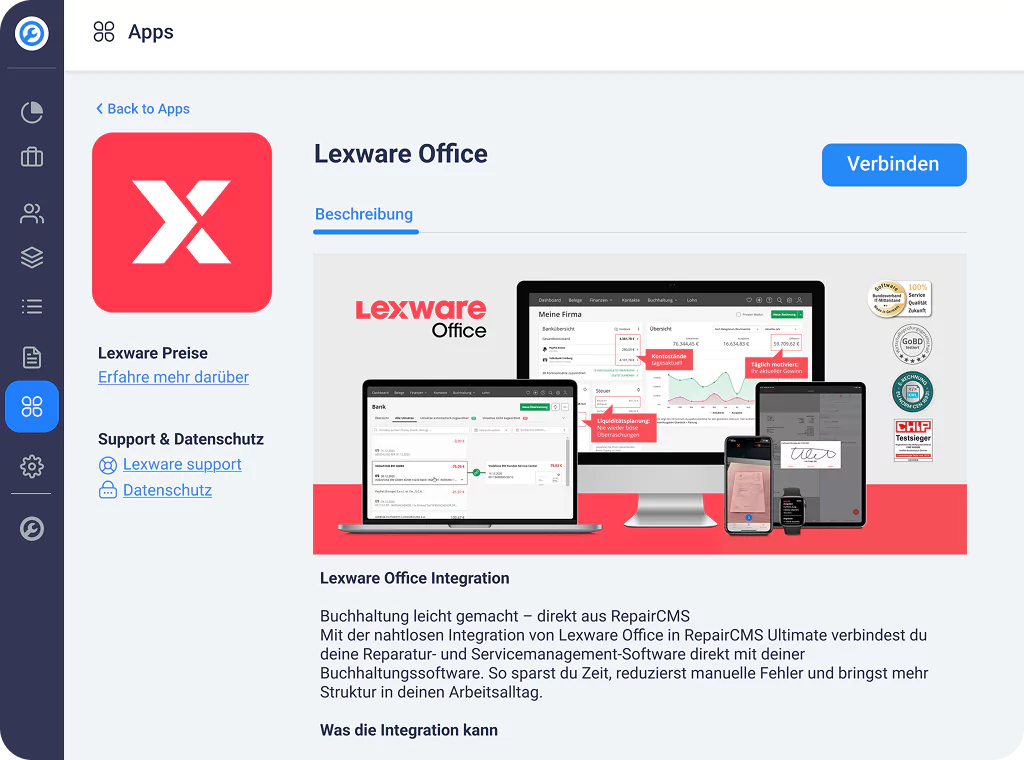
Integration · Lexware Office

The Lexware Office integration for RepairCMS

The smart accounting integration for repair businesses and service departments. As a RepairCMS user you save 50% for your first 3 months when you sign up with Lexware as a new customer now.

Lexware Office and RepairCMS integration

Repair, manage, invoice. RepairCMS and Lexware Office handle the rest.

You take care of the repairs, we take care of the paperwork.

Lexware Office features with RepairCMS
What is Lexware Office

What is Lexware Office?

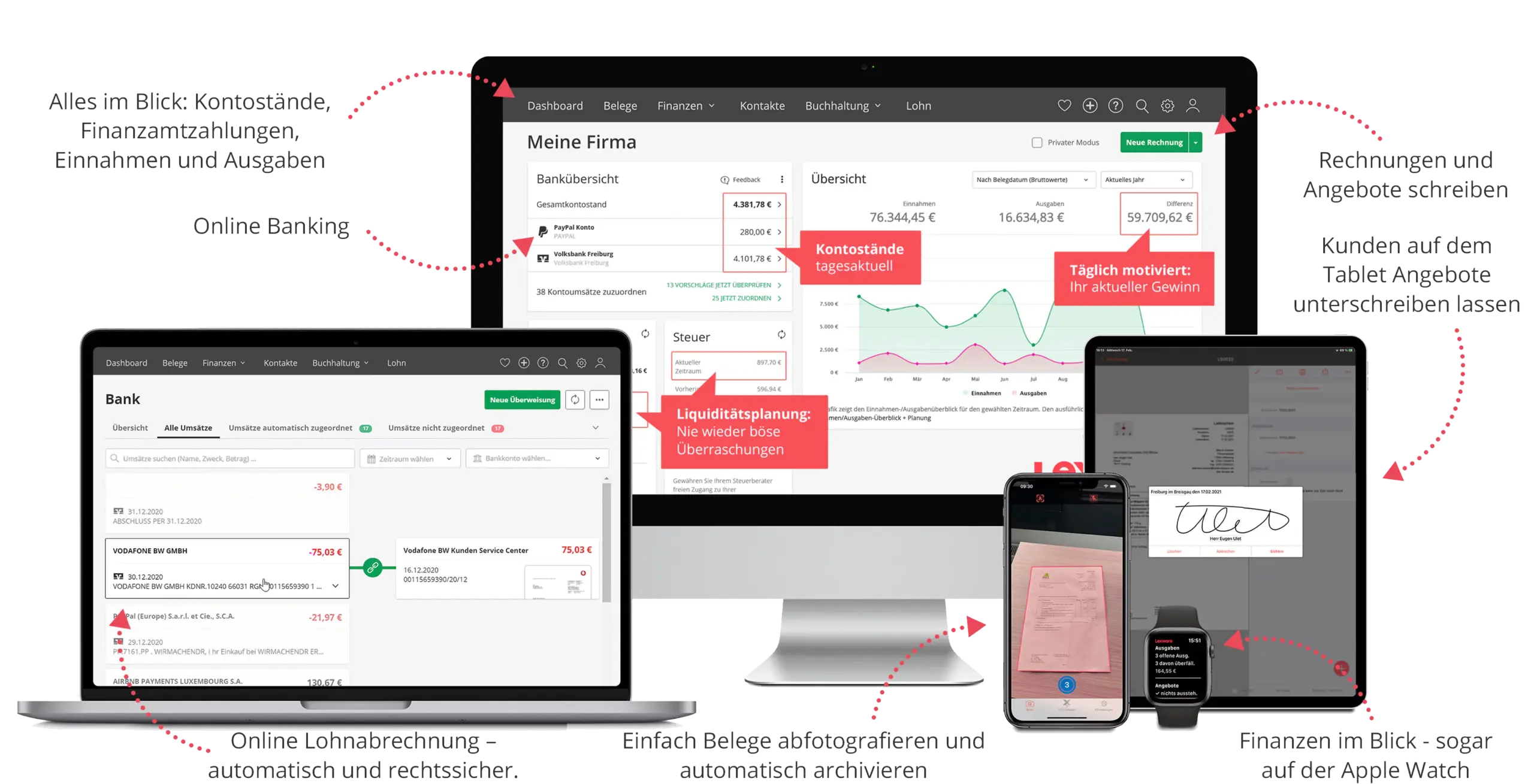
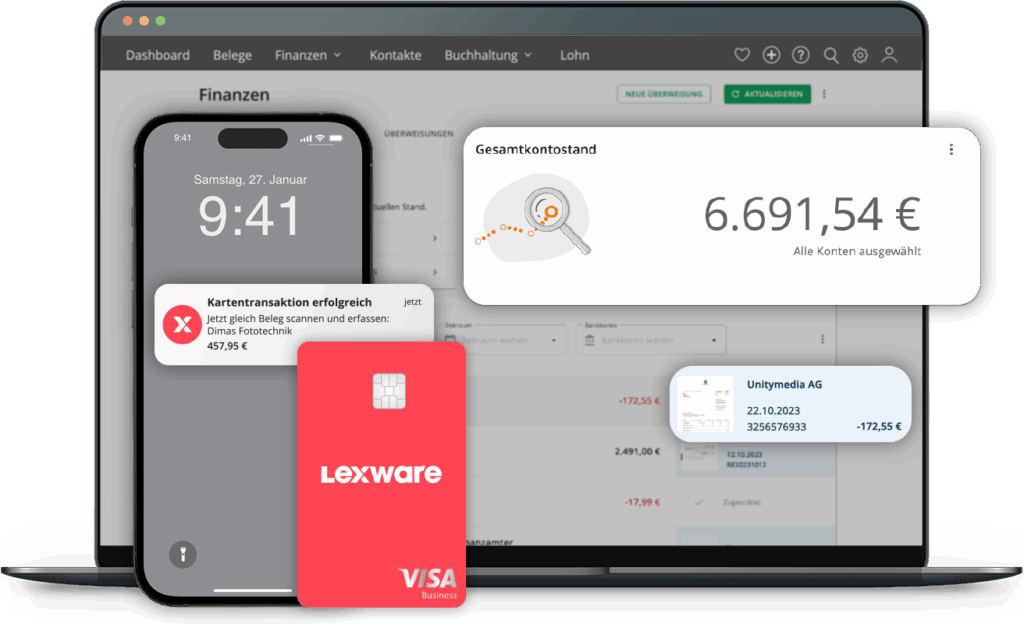
Lexware Office is one of the leading online accounting solutions for small and mid sized businesses. With online banking, invoicing, payroll and receipt capture it automates your day to day bookkeeping, GoBD certified and fully compliant with the German tax office.

  • Quotes, invoices and bookings in one system
  • Automatic payment reconciliation
  • GDPR compliant and legally sound
  • Works on mobile, by app and in the browser

The seamless integration. RepairCMS and Lexware Office

With the Lexware integration you automate your entire bookkeeping straight from your repair workflow.

The moment you create invoices in RepairCMS, we sync them automatically to Lexware Office, DATEV compatible. That saves time, avoids mistakes and keeps your finances clear.

What gets transferred automatically?

  • Customer data, with duplicate checking
  • Invoices, cancellations and credit notes
  • Document numbers
  • Line items and tax rates
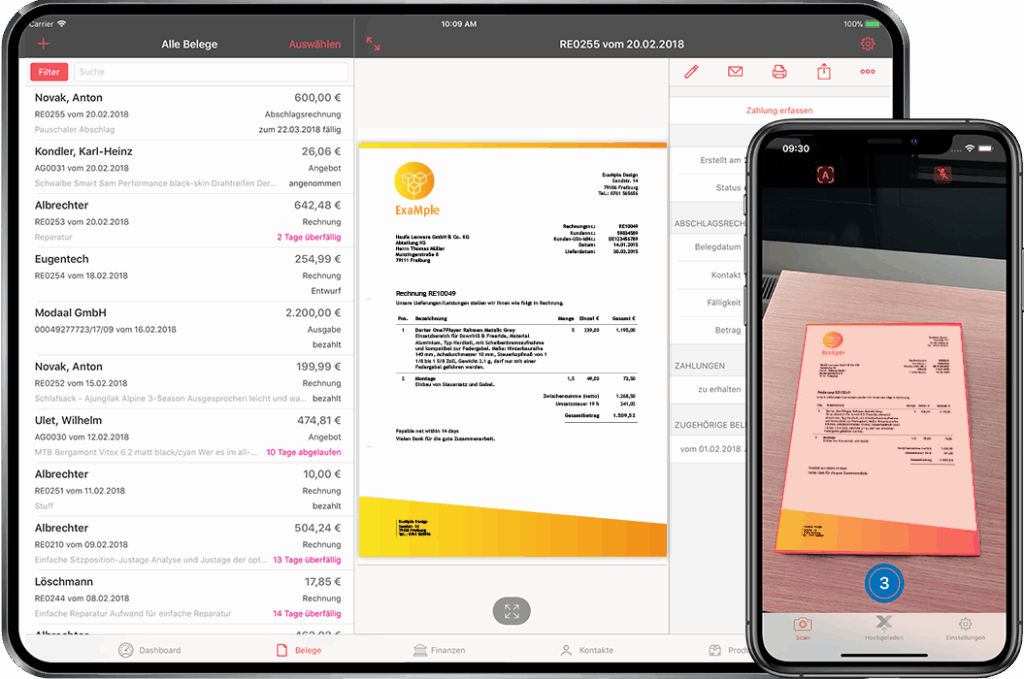
Lexware Office mobile receipts

What are the benefits of RepairCMS and Lexware Office?

01

Save time

No more retyping invoices by hand

02

Avoid mistakes

Automated and checked transfer into Lexware

03

Compliant and up to date

GoBD certified, fully compliant with the German tax office

04

Customers and finances in one place

Repair management meets smart accounting

05

Available everywhere

Work on PC, Mac, tablet or smartphone

Connect RepairCMS with Lexware Office

The integration is this simple

  1. 1 Open RepairCMS
  2. 2 Activate "Lexware Office" under Apps
  3. 3 Connect and get started

Your Lexware data is connected to RepairCMS right away. Secure and in real time.

Who is the Lexware Office integration ideal for?

The integration is a perfect fit for:

  • Repair workshops (for example smartphones, e-scooters, home electronics, watchmakers, e-bikes and more)
  • Manufacturer service departments
  • IT service providers, tech and service businesses
Who is RepairCMS and Lexware Office for

Common questions about the Lexware Office integration

Answered briefly, no small print.

What does the Lexware Office integration do?

It transfers the invoices, cancellations, credit notes and customer data you create in RepairCMS to Lexware Office automatically, DATEV compatible. So you enter each document only once.

Which data gets transferred automatically?

Customer data with duplicate checking, invoices, cancellations and credit notes, document numbers, plus line items and tax rates.

Which plans include the Lexware integration?

The Lexware Office connection is included in every RepairCMS plan.

Are point of sale or HelloCash receipts sent to Lexware too?

No. Only the invoices you create in RepairCMS from orders and quotes flow to Lexware Office. Receipts from the point of sale are not transferred.

Do I get a discount with Lexware?

As a RepairCMS user you can use Lexware's new customer offer, 50% for your first 3 months, through our partner link. The offer comes from Lexware, not from RepairCMS.

Repair management software with a Lexware Office integration for your accounting